Managed IT · Co-Managed IT
Keep your IT person. Give them a team.
Your internal IT knows the business better than any outsider ever will. What they don't have is backup — for vacations, sick days and the week everything breaks at once, the security workload, the projects that never get off the to-do list. That's where we slot in.

One person can't be a department
-
Vacation is a risk event.
When your one IT person is out, the whole company holds its breath.
-
Security is a second job.
Monitoring, patching, and incident response don't fit in the gaps between tickets.
-
Projects never start.
The migration, the refresh, the cleanup — always next quarter, for years.
-
Enterprise tooling is priced for enterprises.
Good monitoring, EDR, and backup platforms are out of reach for a team of one.
Built around your team, not over it
Overflow and time-off coverage
Your team takes what they want; we absorb the spikes, the vacations and the sick days, Monday through Friday.
Security operations
Monitoring, patching, EDR, and backup verification run by us, visible to your team — with our tooling included.
Project muscle
Migrations, refreshes, and rollouts done alongside your team — knowledge stays in the building.
A senior sounding board
Architecture questions, vendor quotes, weird problems — your IT person gets peers instead of forums.
A typical split
Who does what
Every co-managed arrangement divides the work a little differently. This is the split most teams start from: your IT person keeps the work that depends on knowing your business, and we take the work one person can't cover alone.
-
Helpdesk
First call. They know the people, the printers and the history behind every odd setting.
Aweeba Overflow and time off: the tickets they pass across, and the whole queue when they are out.
-
Security monitoring
Sees every alert and makes the call on anything that touches how the business runs.
Aweeba Runs the monitoring and endpoint detection, and works the alerts through the business day.
-
Patching
Flags the machines and software that need care, like the line-of-business app that cannot restart mid-week.
Aweeba Schedules and rolls out the updates, and chases down the machines that miss them.
-
Backup checks
Decides which data matters most and signs off on what gets protected.
Aweeba Watches the backup jobs and runs test restores on a schedule to prove they work.
-
Projects
Owns the plan and the relationship with the people it affects.
Aweeba Extra hands, and the experience of having done the same migration or refresh before.
-
Vendors
Keeps the vendor relationships they already have.
Aweeba Takes the calls with the internet provider, the phone company or the software vendor when they would rather not.
-
Planning
Brings what the business needs next, and what the leadership team is asking for.
Aweeba A regular review of what is ageing, what is at risk and what to budget for.
-
New starters and leavers
Tells us who is coming and going, and what each person needs.
Aweeba Accounts, laptops and access set up before day one, and closed on the last day.
Nothing on this list is fixed. If your IT person loves patching and hates vendor calls, the rows move. The split is agreed up front and written into the agreement.
How the handoff works day to day
Two teams only work as one if nobody has to wonder who has what. Co-managed runs on four simple habits, set up in the first weeks and kept after that:
-
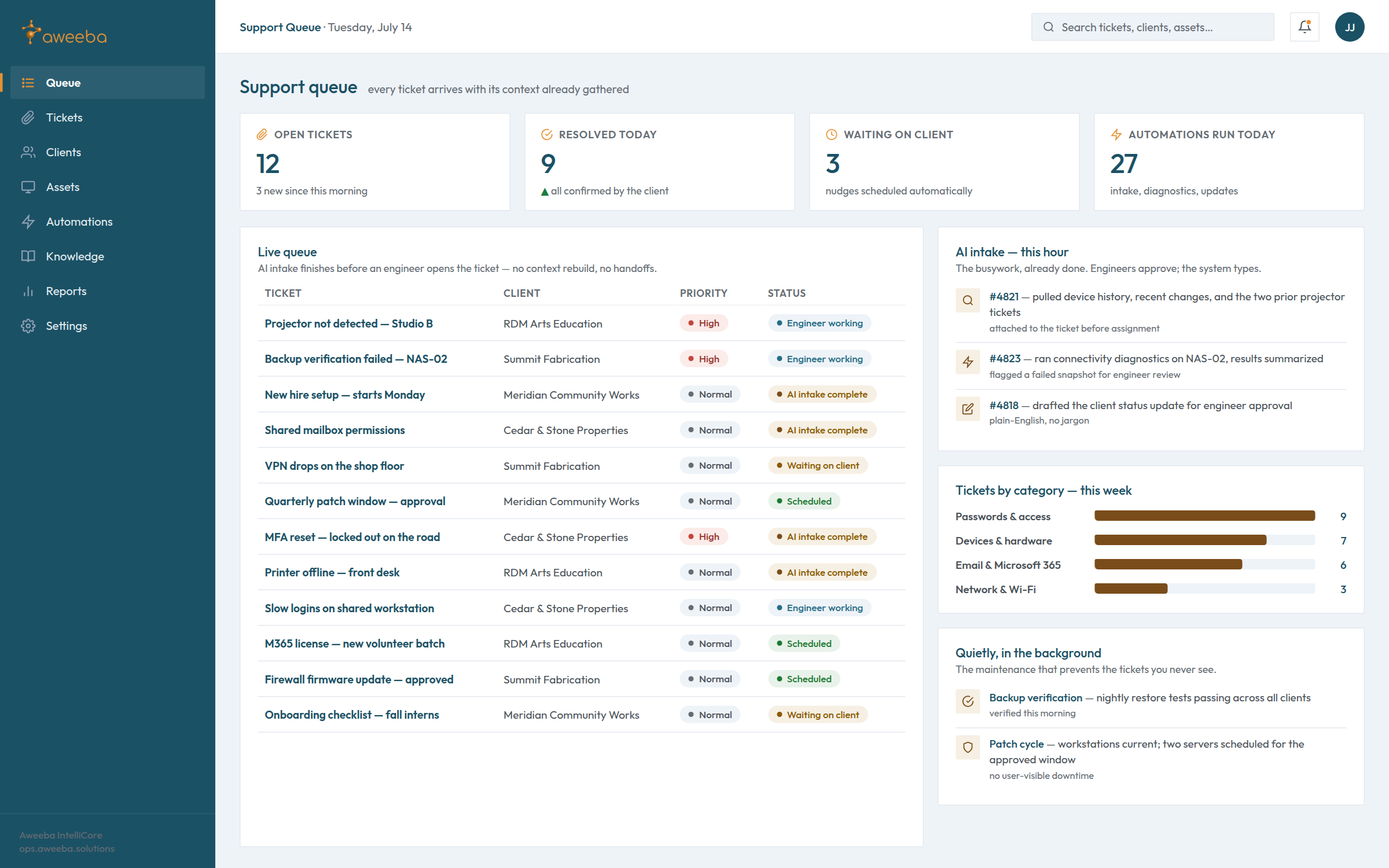
One ticket queue
Every request lands in the same place, whoever it came from. Your IT person can pick a ticket up, pass it across, or ask us to take the lot while they are out.
-
Shared tools
Monitoring, remote access, documentation and the password vault are the same for both teams, so a fix one side starts, the other can finish.
-
Both teams see everything
Notes, changes and alerts are visible to your IT person as well as to us. Nothing we do happens out of their sight.
-
A named escalation path
Your IT person knows exactly who to call on our side when something is stuck, and we know who on yours makes the decision when it can't wait for a meeting.
From a client
“Aweeba helped us eliminate the disconnect between our growing team and the systems we rely on. They didn't just fix problems — they gave us structure, clarity, and tools that scale with us. Their technical expertise is rock solid, but it's the calm, responsive support that makes them a true long-term partner.”
When co-managed becomes fully managed
People move on. Your IT person may retire, take a new job or decide they would rather run the business side than the servers. When that happens, we can take the whole thing. Because we have already been working in your systems, with the same tickets, notes and passwords, there is no cold start and no scramble to find out how things were set up.
We'll be honest about the pattern, too: most clients who start with us stay fully managed. That isn't a trap built into co-managed, and nothing in the agreement pushes you toward it. It is simply what tends to happen once the work is documented and shared and the business stops depending on one person being available. If your IT person has already gone, start with what to do in the first week.
Is co-managed the right fit?
Co-managed IT fits organizations with one to a few internal IT staff who are stretched thin — often after growth, an audit scare, or a burnout close call. If you have no internal IT at all, full managed IT is usually the better shape. We'll tell you honestly which one you need — including if it's neither. If your IT person quit, here's what to do first.
Questions about co-managed IT
Will you replace our IT person?
No. Co-managed IT exists because your IT person is worth keeping. They know your business in a way no outside team can, and our job is to make their week manageable, not to take it over.
Who owns the admin passwords?
You do. Both teams hold the admin credentials in a shared vault, so neither side is ever locked out, and the vault belongs to your business, not to us.
How is co-managed priced?
Like Fully Managed, by what we are actually managing for you, which is why we don’t publish a figure. The rate holds for the twelve-month term; the number follows what we're actually managing — a computer added or retired moves it, a heavy support month doesn't — and you hear about any change before it lands on an invoice.
Can our IT person use your tools?
Yes. They get their own access to the same ticket queue, monitoring and documentation we use, and the tooling is included rather than resold to you.
What if we disagree on how something should be done?
We talk it through. It is your business, so the call on policy is yours. When we think a choice adds risk, we will say so plainly, explain why, and then help you do it your way or ours.
Give your IT person reinforcements.
Start with a free IT risk review — bring your internal IT to the call; they'll ask us the hard questions.